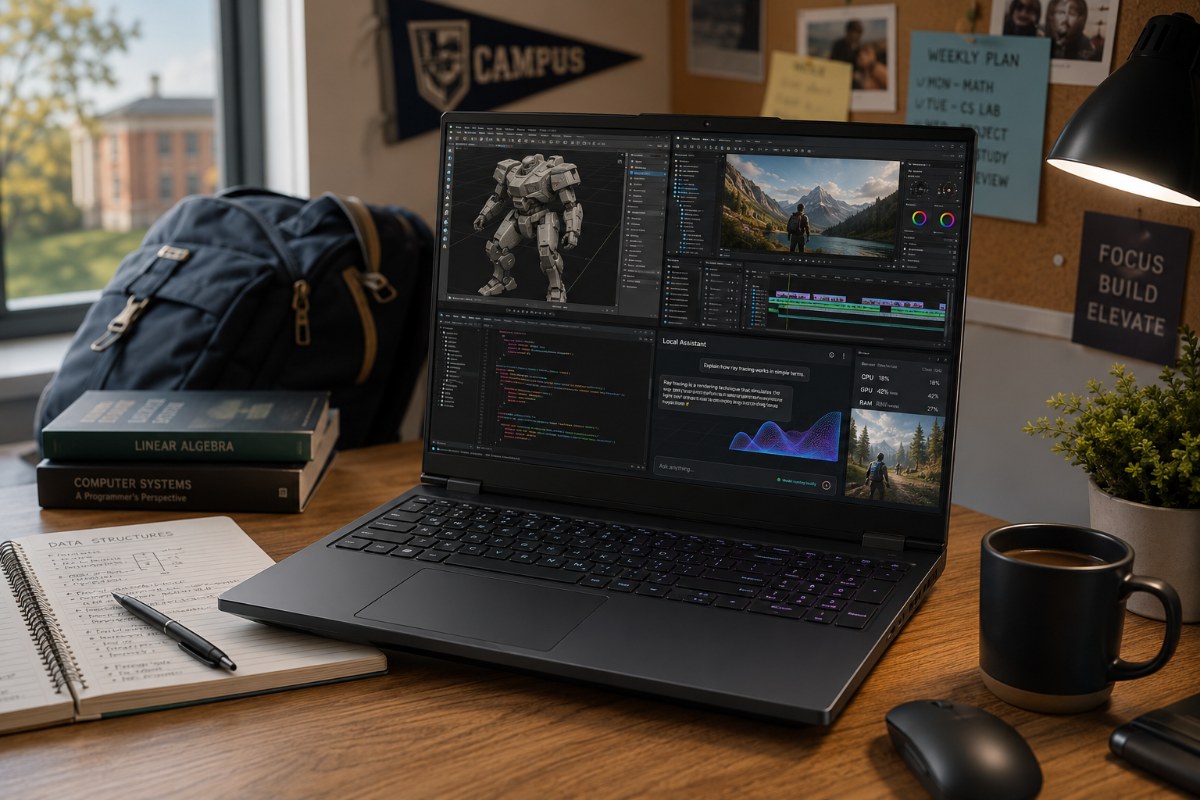
RTX 50 laptop deals are pushing gaming machines into serious back to school territory, but buyers still need to separate real utility from retail theater.
If your college workload involves rendering 3D models, editing 4K video, compiling code, or running local AI tools, a basic thin and light notebook may no longer be enough. That is the real story behind the latest discounts on Nvidia RTX 50 Series gaming laptops. The bulky gaming rig is being rebranded as a practical student workstation, not just a dorm room entertainment machine. Retailers are now pushing models with RTX 5060, RTX 5070, and RTX 5070 Ti graphics as machines for creators, engineers, designers, coders, and gamers who want 1 device to last several years. The pitch makes sense in some cases. Modern coursework can involve Blender, Adobe Premiere, Stable Diffusion, LM Studio, large coding projects, and heavy multitasking. Still, a lower sticker price does not automatically make a gaming laptop a smart buy. The challenge is separating genuine utility from clever marketing.
RTX 50 Changes The Student Laptop Conversation
Gaming laptops have traditionally forced a tough compromise. You get raw power, but sacrifice battery life, budget, and your spinal health. That tradeoff still exists. A 16 inch gaming notebook with a large charger will never feel like a featherweight campus machine.
Modern student software has changed the equation. A laptop is no longer only for notes, essays, streaming, and browser tabs. Engineering students may need CAD tools. Film students may cut 4K footage. Design students may render in Blender. Computer science students may compile large projects or test AI models locally.
The RTX 50 Series matters because it brings Nvidia Blackwell graphics, faster GDDR7 memory, and fifth generation Tensor cores into student laptop pricing tiers. Tensor cores are the parts of the GPU built to accelerate AI tasks. That matters for local image generation, AI assisted creative tools, and lightweight large language model experiments.
Those features can sound like marketing fluff when attached to games. For some students, they are not fluff. If a course or side project uses GPU acceleration, the jump from a basic notebook to an RTX laptop can save real time.
Which RTX Laptop Tier Makes Sense
RTX 5060 laptops sit at the practical entry point. They make the most sense for students who want 1080p gaming, basic creative acceleration, and enough GPU muscle for lighter design or editing work. A good RTX 5060 machine can be a smart buy if the price stays close to mainstream premium laptops.
RTX 5070 models are the more interesting student tier. They offer stronger headroom for gaming, 1440p displays, video editing, 3D work, and AI assisted apps without always pushing into luxury pricing. For many buyers, this is the sweet spot.
RTX 5070 Ti laptops are a tougher sell. Unless your major requires heavy 3D rendering, larger creative projects, or local AI processing, the premium price tag may not translate into a clear daily benefit. A powerful GPU sounds exciting, but most students will notice RAM, storage, screen quality, fan noise, and battery life just as much.
The right choice depends less on the badge and more on the full configuration. A badly cooled RTX 5070 can disappoint. A well built RTX 5060 with a strong screen and enough memory can feel better every day.
The Baseline Specs Students Should Actually Demand
Shoppers should stop treating the GPU as the whole laptop. In 2026, a serious student workstation should start with a modern Intel Core Ultra 7 or AMD Ryzen AI 9 class processor if creative work, coding, or local AI tools are part of the plan.
Memory deserves the same attention. 16GB still works for web research, class notes, lighter gaming, and basic editing. For heavier Adobe Premiere timelines, Blender work, Stable Diffusion, or local AI tools such as LM Studio, 32GB should be the target. Local models can eat memory quickly, and once a system starts swapping to storage, performance drops hard.
Storage is even less forgiving. A 512GB SSD looks acceptable on a spec sheet until real life begins. A single large game such as Call of Duty can push beyond 150GB. A 4K video project can eat 50GB in an afternoon through footage, cache files, exports, and scratch data. Add class files, apps, and backups, and the drive feels cramped fast.
For a student planning to keep a laptop for several years, 1TB is the modern floor. Anything less should come with an easy upgrade path or a very low price.
Deal Math Exposes The Retail Theater
Aggressive back to school sales make the premium price easier to swallow. They do not make every RTX laptop a bargain. Retailers often lean on inflated list prices, limited stock, and urgency messaging to make discounts feel more dramatic than they are.
The HP Omen 16 with an RTX 5070 shows why the math matters. A sale price of $1,459.99 looks cleaner when it sits beside a listed price of $1,549.99. In reality, that is a $90 reduction. Divide $90 by $1,549.99 and the discount comes out to roughly 5.8 percent. That is not nothing, but it is not the kind of cut that should rush a student into buying. The HP Omen 16 example is not a bad laptop deal. It is a reminder that a discount label can hide a very small percentage drop.
This is where buyers need to slow down. A real deal should beat comparable prices from the same week, not just look good beside an old list price. It should also avoid obvious compromises such as a dim display, weak cooling, tiny SSD, or 16GB of non upgradeable memory on a laptop marketed for creation and AI.
Students should also check battery claims carefully. A gaming laptop that lasts 3 or 4 hours away from the wall may be fine for a desk, but it is not enough for a full campus day. Students should demand at least 7 to 8 hours of real world mixed use before treating any powerful laptop as a true all day machine.
The Smart Buy Is About Longevity
Buying a laptop for college used to mean a simple choice between a cheap Chromebook and a MacBook. Demanding software has scrambled that calculation. A gaming laptop can now serve as a workstation, editing suite, coding machine, and entertainment system in 1 package.
That does not make it the right choice for everyone. If your coursework involves little more than Google Docs, web research, and video calls, save your money and your back. A standard thin and light laptop remains the smarter call.
For students in media, design, engineering, computer science, game development, or AI heavy coursework, the math looks different. An RTX 50 laptop bought at the right price can reduce the need for a separate desktop or lab machine. It can also give a student more room to grow into harder projects over 3 or 4 years.
The best back to school laptop is not the one with the flashiest GPU sticker. It is the machine that still feels capable when classes get harder, software gets heavier, and storage starts filling up. That is why RTX 50 gaming laptops are suddenly part of the serious student buying conversation.
Also Read: MSI Cyborg 17 Review: RTX 5060 Power With Practical Limits
FAQs
Q. Are RTX 50 Gaming Laptops good for students?
Yes, for students who edit video, render 3D work, code heavily or run local AI tools. Basic coursework does not need that power.
Q. Is an RTX 5060 laptop enough for college?
An RTX 5060 laptop can work well for 1080p gaming, basic editing and lighter creative workloads if the rest of the specs are solid.
Q. Should students buy an RTX 5070 or RTX 5070 Ti laptop?
Most students should look at RTX 5070 first. RTX 5070 Ti only makes sense for heavier 3D, AI or creative workloads.
Q. How much RAM should a student gaming laptop have?
16GB works for basic use, but 32GB is the better target for 4K editing, Blender, Stable Diffusion and local AI tools.
Q. How much battery life should students demand?
Students should look for at least 7 to 8 hours of real world mixed use before calling any powerful laptop campus ready.

Anup Singh is an independent technology journalist and content writer covering Apple, Android, AI, laptops, gaming, and the consumer tech industry. He focuses on delivering factual, well researched, and easy to understand reporting while explaining how new technologies impact everyday users.
2 thoughts on “Why RTX 50 Gaming Laptops Are Becoming The Ultimate Student Workhorse”