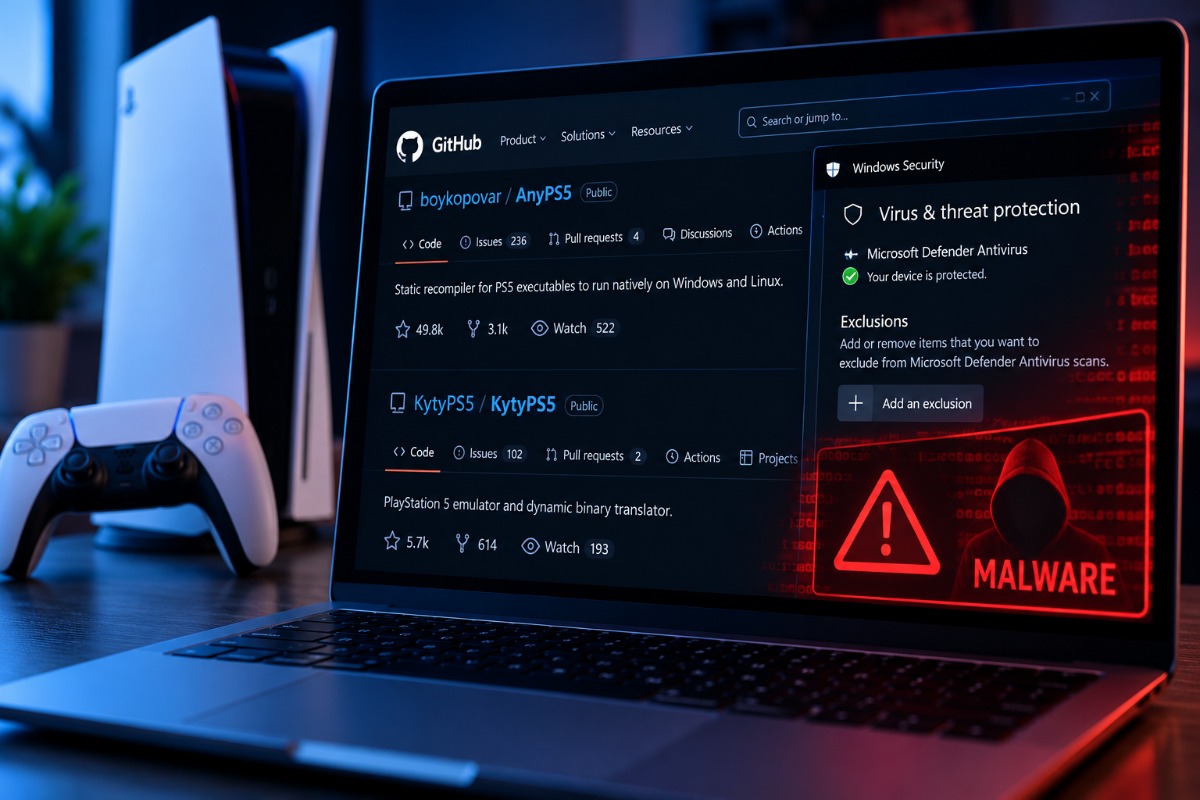
PS5 Malicious GitHub downloads impersonate popular PS5 gaming tools, evade antivirus scans, and deploy suspected password stealers before deleting evidence.
PC gamers searching for early builds of AnyPS5 and KytyPS5 are encountering fake GitHub repositories distributing Windows malware. The malicious downloads modify Microsoft Defender settings, execute a suspected information stealer, and delete installation files shortly afterward.
The campaign comes as interest in running PlayStation 5 games on PC grows. Sony has scaled back plans for PC releases of major single-player games, while independent developers continue improving compatibility tools.
The official AnyPS5 repository, maintained by boykopovar, has attracted nearly 50,000 GitHub stars. Unlike an emulator, AnyPS5 statically relinks PS5 executables into native Windows and Linux applications. The KytyPS5 project uses runtime emulation and translation, with Vulkan handling graphics. A specialized KytyPS5 fork has demonstrated GTA V running at up to 60 FPS on an RTX 3090 system.
Attackers are exploiting this popularity through convincing repository copies. NordVPN researchers identified the malicious downloads, with no evidence implicating the original development teams.
Why Attackers Are Targeting PS5 Gaming Tools
PC enthusiasts regularly experiment with unofficial software, development builds, and unsigned executables. That familiarity gives malicious installers an opportunity to appear routine.
NordVPN CTO Marijus Briedis described why attackers have chosen this particular community:
“Emulation fans are a perfect target. They are used to downloading experimental software from GitHub and running unsigned files, so nothing about this feels suspicious. But this is not an emulator. It steals your data, hides from your antivirus and erases its own tracks before you notice anything is wrong.”
Malware Checks Hardware Before Bypassing Microsoft Defender
The fake repositories direct visitors to ZIP archives containing Windows executable files. Running the EXE unpacks a hidden application and launches a multistage malware loader.
Before executing its main payload, the loader checks for at least 2 GB of RAM, a physical GPU, and signs of virtualization or cloud hosting.
If the computer resembles a security testing environment, the program exits immediately. This helps the malware avoid automated analysis systems.
On a suitable target, the script adds folder exclusions to Microsoft Defender. Windows can continue displaying antivirus protection as active while skipping scans of those locations.
The loader then decrypts and executes a packed payload that NordVPN suspects is an information stealer.
Such malware can extract saved browser passwords, session cookies, gaming credentials, financial details, and cryptocurrency wallet information. Researchers have not confirmed which data this particular payload collected, its exact malware family, or the total victim count.
In a Reddit discussion, a user reported receiving security alerts involving EA, Epic Games, and Steam shortly after launching a fake AnyPS5 installer. Researchers have not independently verified the account or established what information attackers accessed.
Malware Deletes Evidence After Two Minutes
Approximately two minutes after execution, a cleanup script deletes the initial malware files.
Researchers also discovered self-signed digital certificates carrying fabricated company names. The certificates were generated on the same day as their associated malware builds, suggesting an automated preparation process.
Attackers have also been rotating malicious GitHub repositories, making individual download links difficult to track.
Similar Microsoft Defender exclusion techniques have appeared in malicious downloads disguised as leaked GTA 6 builds. Both campaigns exploit demand for experimental gaming software.
How PC Gamers Can Identify Malicious Downloads
Check repository ownership before opening release files. Compare the account hosting a download with the official AnyPS5 and KytyPS5 repositories linked above.
Review commit histories, repository creation dates, download destinations, and GPG-verified commits where available. A verified commit helps establish authorship, although it cannot guarantee that a build is safe.
A familiar README or matching repository name offers little protection against impersonation. Be especially cautious with unsigned EXE installers from unfamiliar forks or unexpected Windows SmartScreen warnings.
If you have already launched a suspicious installer, disconnect the computer and inspect Windows Security → Virus & threat protection → Manage settings → Exclusions.
Document unfamiliar exclusions, remove unauthorized entries, and perform an updated security scan. Change important passwords from another trusted device and revoke active account sessions.
For anyone following experimental PS5 compatibility work, checking the developer’s identity and repository history should come before downloading the next release.
Also Read: Rockstar Is Testing Scheduled Bus Routes and Rideable Trains for Grand Theft Auto 6

Anup Singh is an independent technology journalist and content writer covering Apple, Android, AI, laptops, gaming, and the consumer tech industry. He focuses on delivering factual, well researched, and easy to understand reporting while explaining how new technologies impact everyday users.